I am facing this challenge for past couple of days. Each time I login into Chatgpt then AIPRM does not load. And I need to remove and reinstall it to use it for that day but after shutting down browser and re-opening it, the extension doesn’t work. How can I fix it?
1 Like
Can you please make sure you have the latest version of AIPRM for ChatGPT (1.1.9.17)?
I am having the same problem. i have upgraded but the problem is still there. can you help?
1 Like
Ya, been updated since August but been getting this message for weeks now. Clearly some other problem, specific to Brave.
Thank you for providing the details. I was able to reproduce this, and it is a known defect that affects the Brave Browser:
The only workaround for now, until they fix the defect in the Brave Browser, is to disable and re-enable the extension after restarting the browser using brave://extensions or to use a different browser like Chrome or Edge.
2 Likes
Thank you. Let me check it that works
Hi, I am using the Brave browser, and Aiprm extension was working fine until last month. Then I suddenIy started getting this message
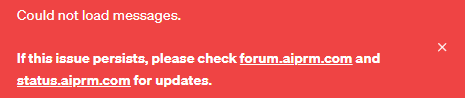
I have tried everything, from reinstalling the browser to uninstalling and reinstalling the extension. Every time I exit the browser and then open chat gpt in it again, i get the message.
Same here. Please let me know how to fix it.

Please refer to the post above:
I have encountered this problem in Brave despite it was working fine when installed the first time. Chrome on the other hand is working. Thought to share this error in case someone encountered the same.
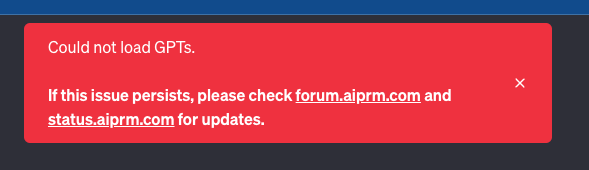
AIPRM browser extension is currently not working with the Brave browser. It requires disabling and re-enabling the browser extension after restarting the browser due to a defect in the Brave browser:
Alternatively, you can use Chrome or Edge.
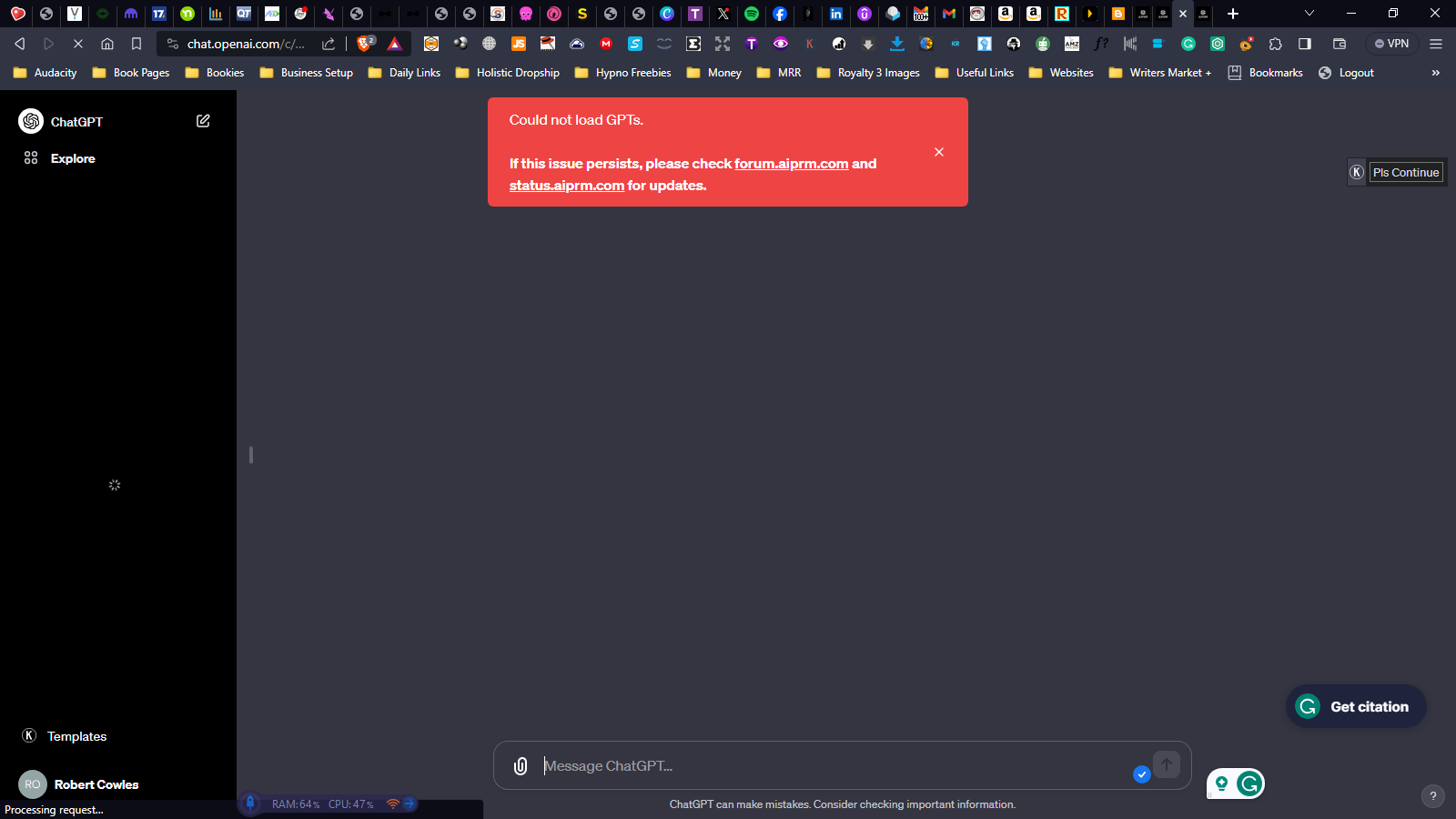
Can anyone explain why I am getting this message, every time I open ChatGPT, And how do I fix it. I’m not sure if it’s doing anything operational wise, when using ChatGPT, but it is annoying.
1 Like
There is a known defect that affects the Brave browser. Check this out - Why AIPRM is not working on Brave Browser? - #5 by aiprm-tiborb
I didn’t thank about it being a browser issue, switched to Chrome and works great, I’m no seeing seeing tabs I never knew existed.
2 Likes
Please use the latest version of AIPRM.